A ring on your own hand
Jewellery is bought on the hand, not on a white background. With hand tracking in the browser, shoppers try on the ring they configured before ordering.

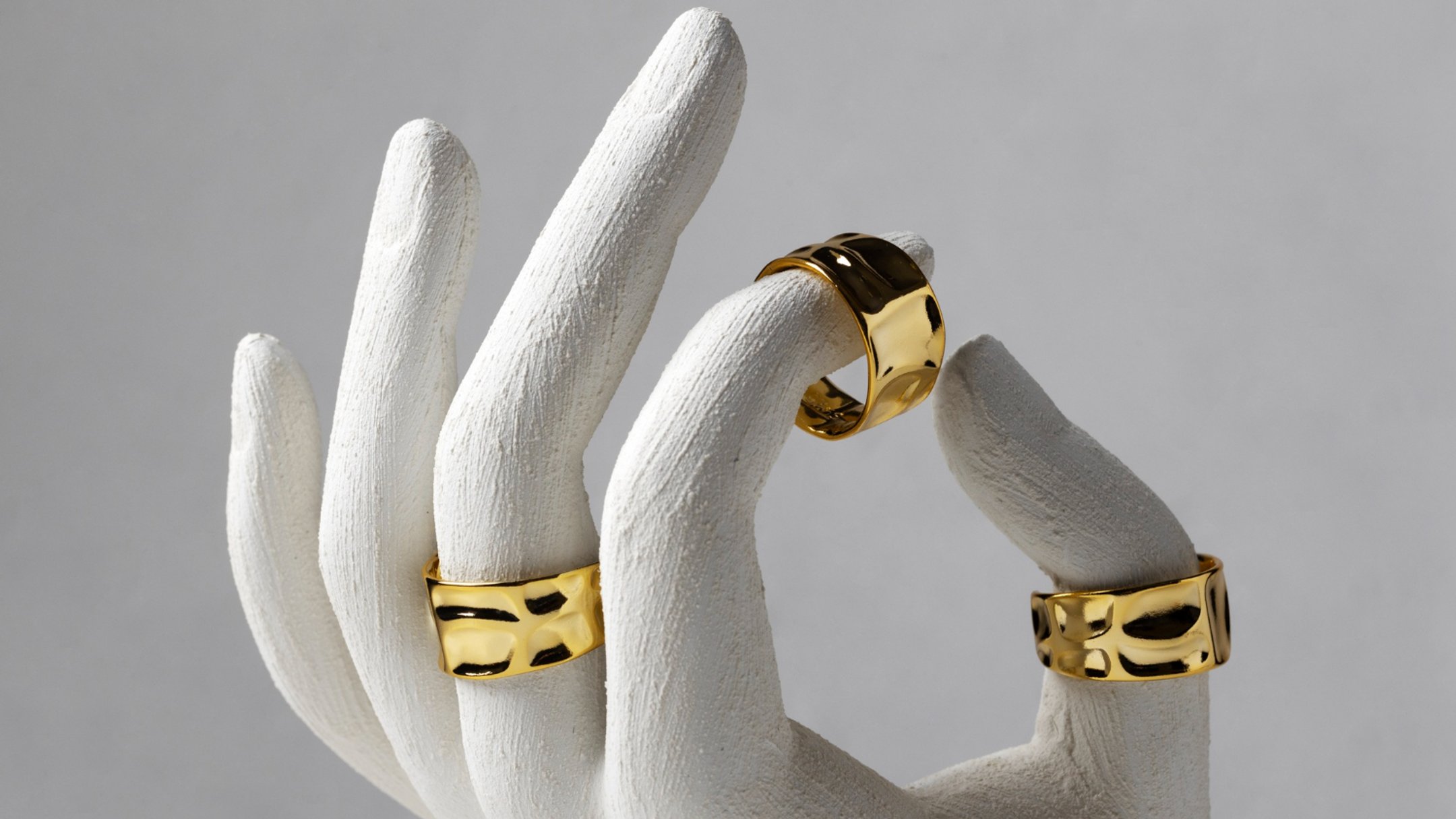
Jewellery photos are beautiful and almost always misleading. A ring shot from three angles on a white background says nothing about how it looks on a particular hand, next to the watch that person already wears.
Try-on puts the ring where the decision is made.
How it works
On the product page, the shopper opens the configurator and chooses the metal, the finish and the engraving. Then they switch on try-on. The phone's camera tracks their hand, and the ring sits on their finger as they move it.
It runs in the browser on iPhone and Android. There's nothing to install.
Engraving before ordering
Personalised jewellery creates the most back-and-forth: the font, the length of the text, whether it fits on a narrow band. In the configurator the shopper types the engraving and sees it on the ring straight away, in the metal they chose.
What they see is what gets ordered. The order comes back to you with the metal, the finish and the exact text.
Watches work the same way
The same hand tracking handles watches. Shoppers change the strap colour or material and see it on their wrist. Stores that sell rings and watches use one setup for both.
Where it stops
Try-on shows look and proportion on the hand. It isn't a ring sizer, and we don't present it as one; your size guide still does that job.
It also needs the camera on. Shoppers who won't allow it still get the full 3D configurator on the page.
Next step
If you sell rings or watches, send us one product. We'll build it in 3D from your photos or CAD, set up try-on, and you can test it on your own hand before it goes live. More in Fashion and try-on.