
From layout to order
Everything happens in your store. Shoppers plan, style and order a whole kitchen without leaving your product page, and the order arrives with the rest of yours.
Lay out the kitchen
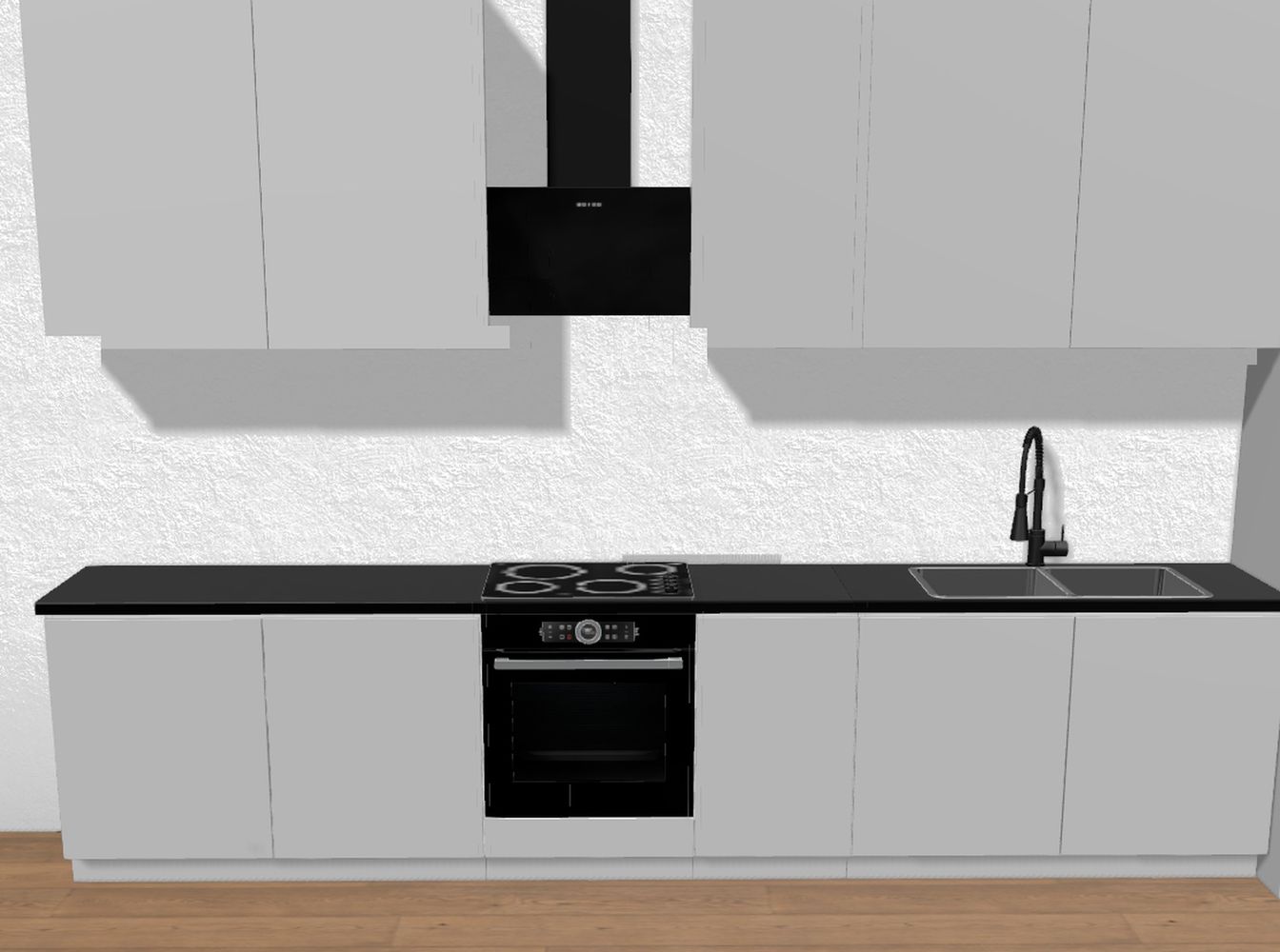
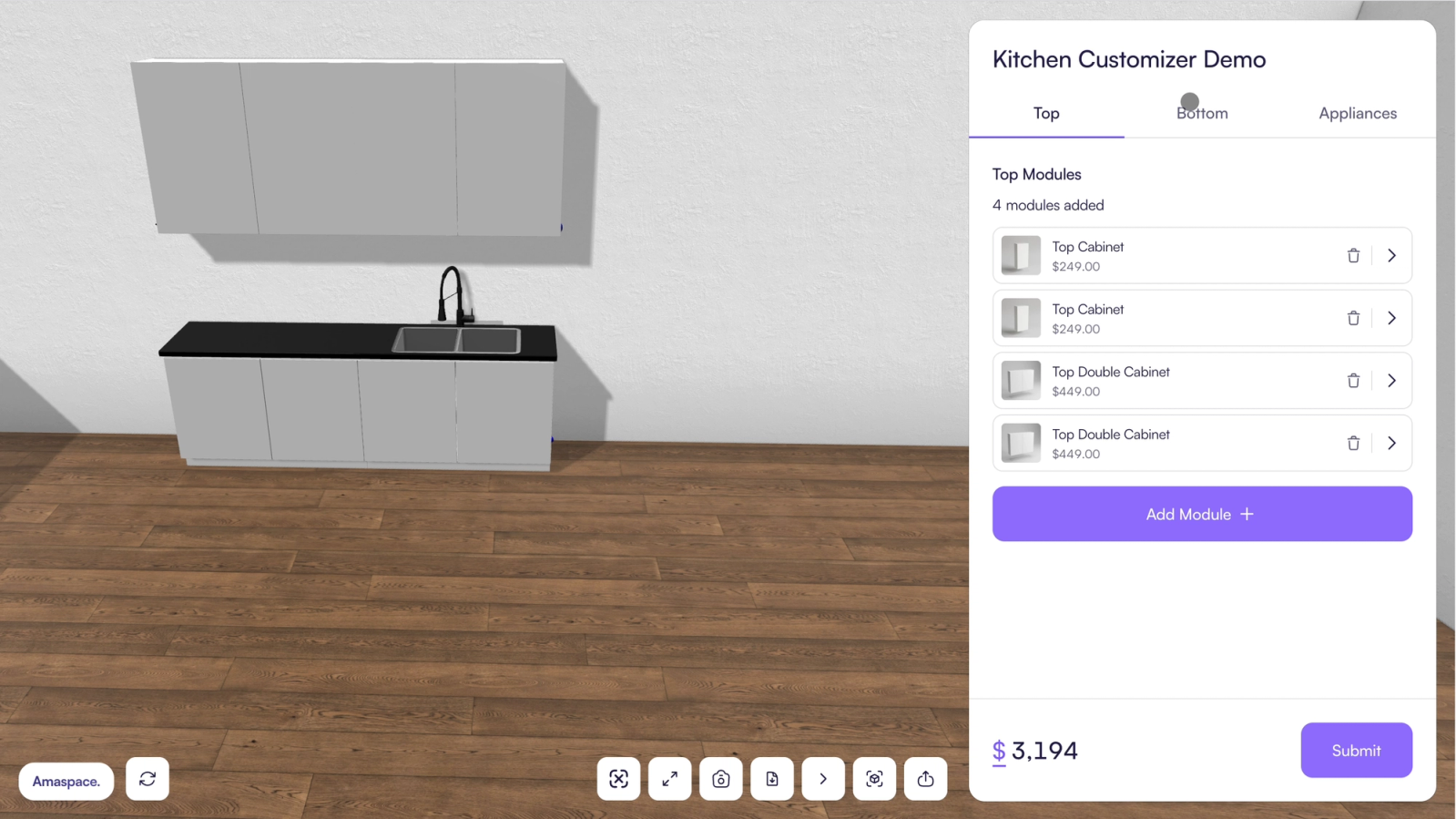
Start from a ready-made kitchen or a blank wall. Drag in base, wall and tall cabinets, and place the appliances around them.
Choose the look
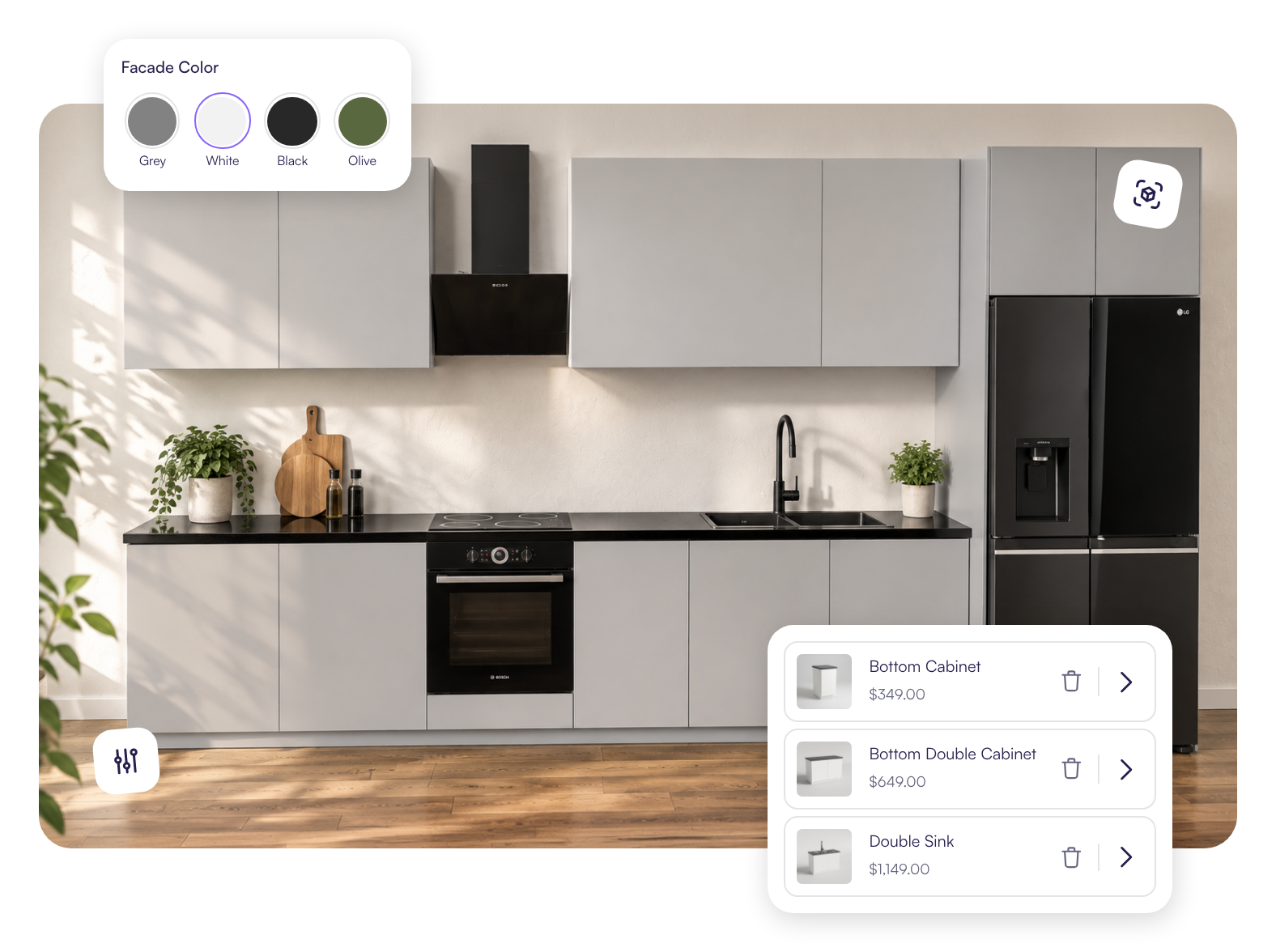
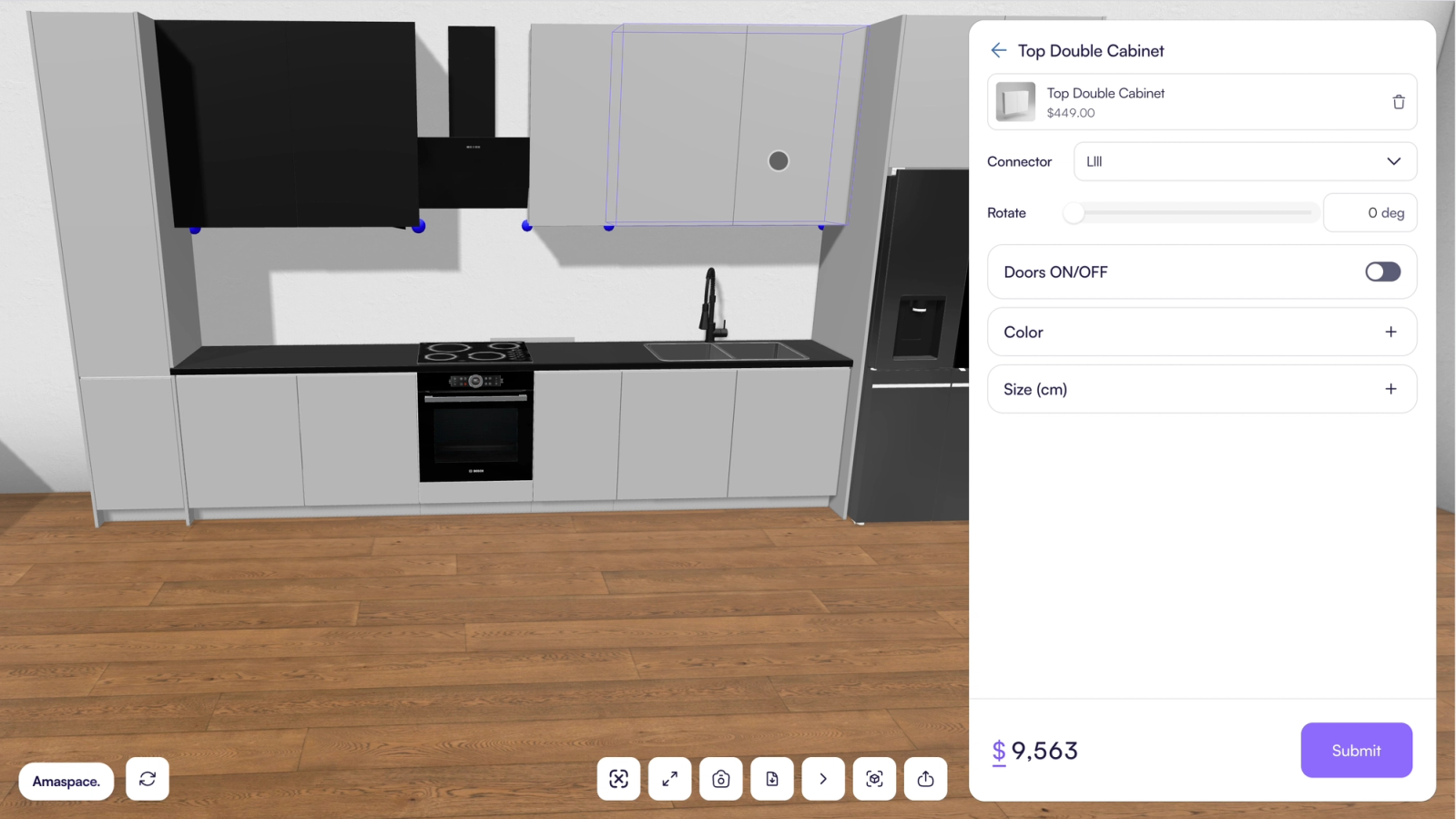
Pick a door style, a finish and a countertop. Every cabinet updates at once, and so does the price.
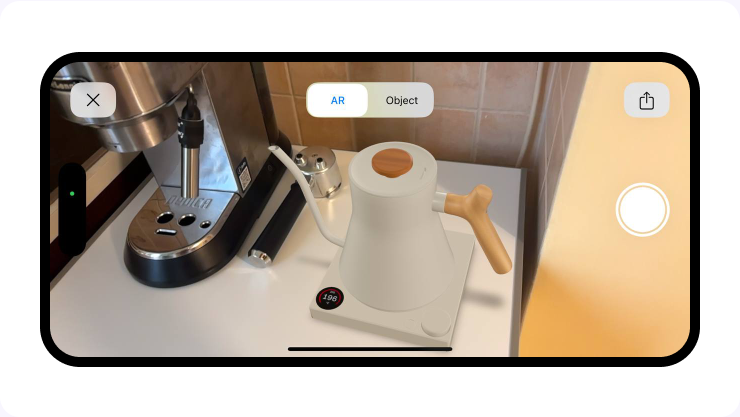
See it in their own room with AR
One tap opens the kitchen through the phone camera, at real size, in the room it is going into.
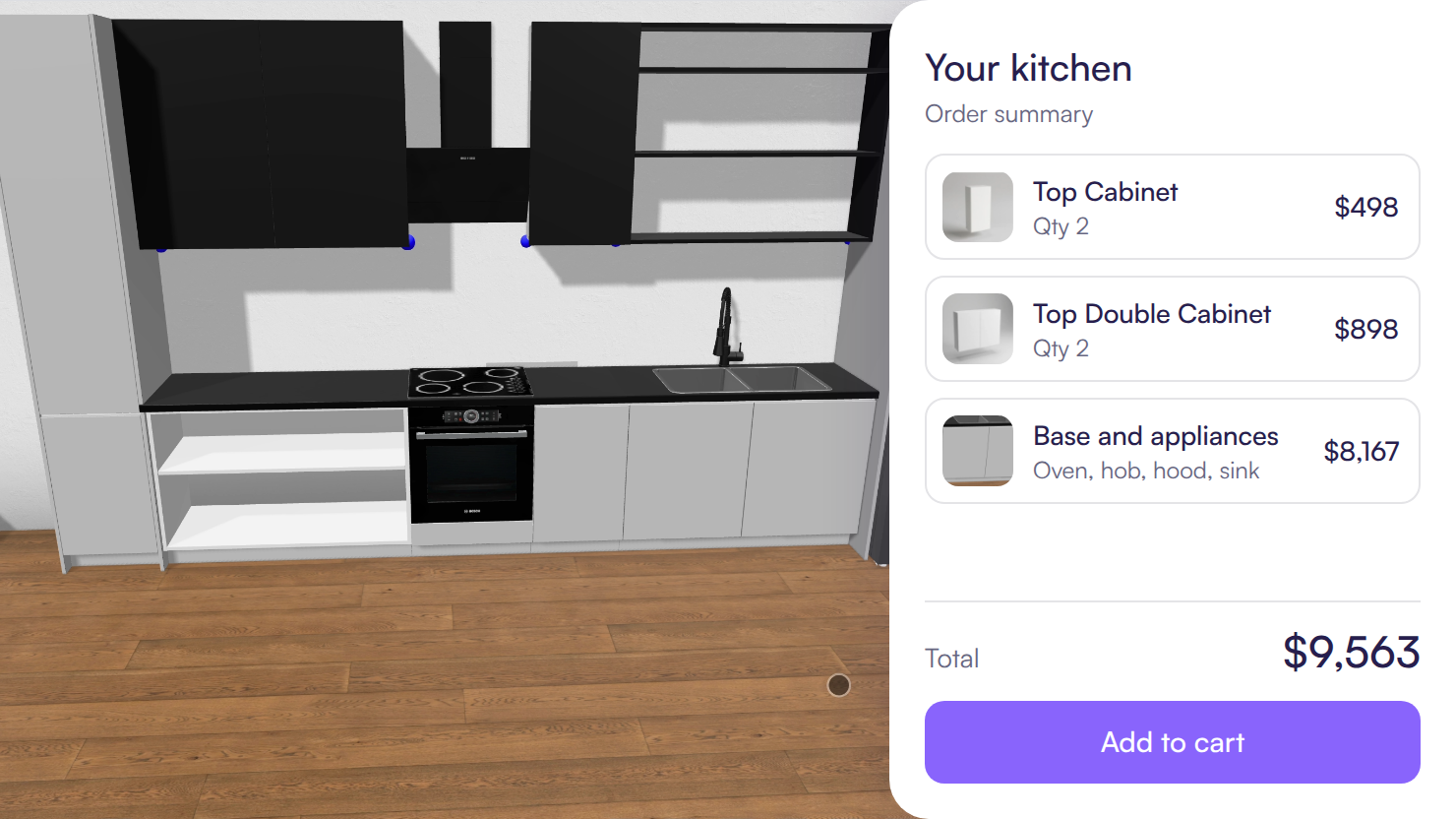
Order it
The whole kitchen goes into the cart as one item at its full price, through the checkout your store already has.
What changes for your store
Without a planner
Shoppers wait a day or two for a layout and a quote
Your team checks every order against what you can build
Shoppers guess whether it will fit their room
The order is pieced together by email and phone
With Amaspace
The price while they plan
Shoppers see the price of every cabinet as they place it, and the total as the kitchen grows.
Only what you make
Each cabinet offers just the widths, heights and finishes in your range, so every kitchen is one you can ship.
Their room, at real size
On a phone, shoppers place the cabinets in their own kitchen. No app to install.
One item in your cart
The whole kitchen goes through the checkout your store already has, at its full price.
94%
Higher conversion
Shopify reports that merchants who add 3D content to their stores see a 94% conversion lift, on average.
Shopify Changelog, 2026 Styled kitchen scenes
Made from the cabinets you already sell, not a stock photo.
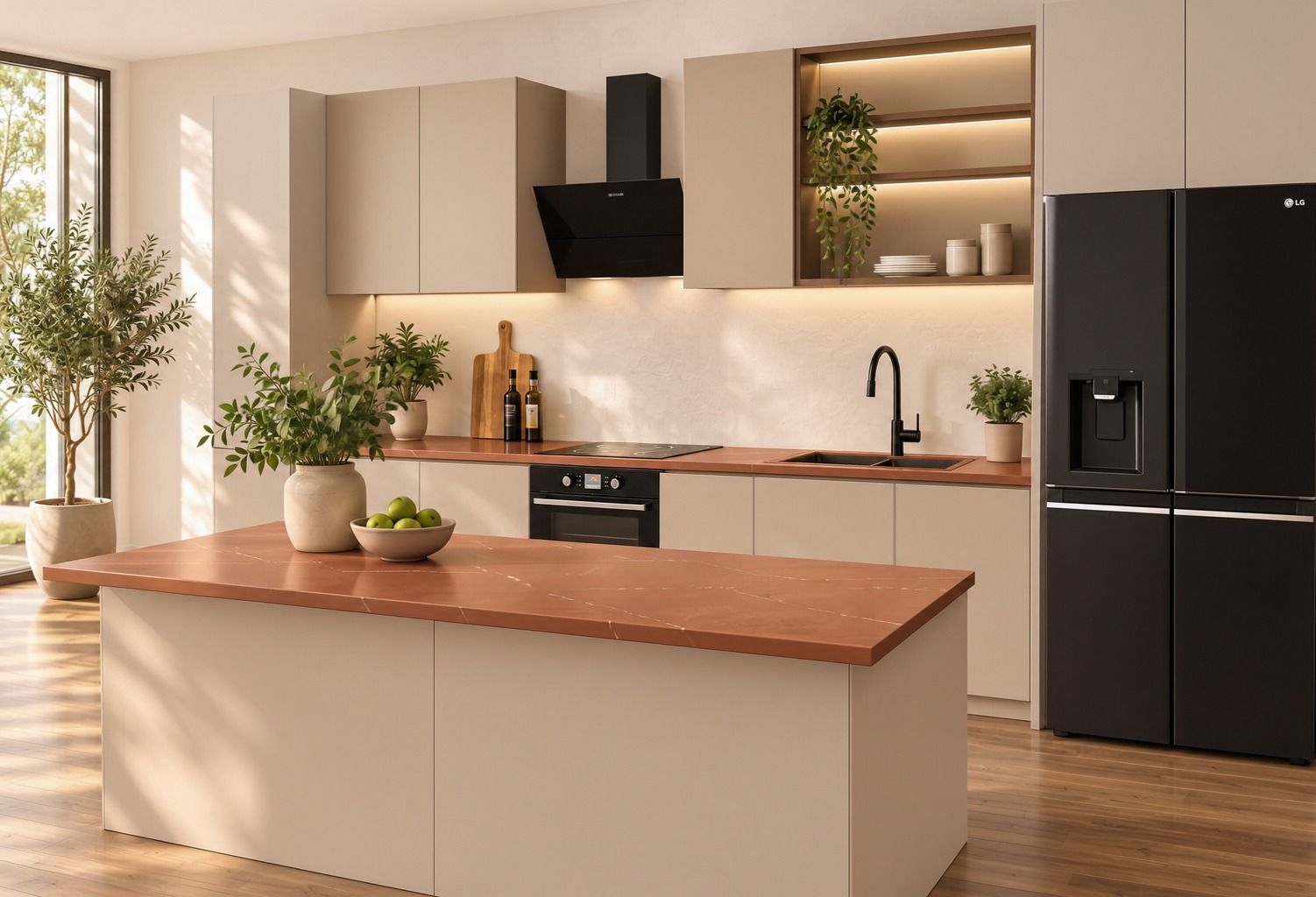
 A new finish costs no shoot
Add it to your range and its pictures come with it.
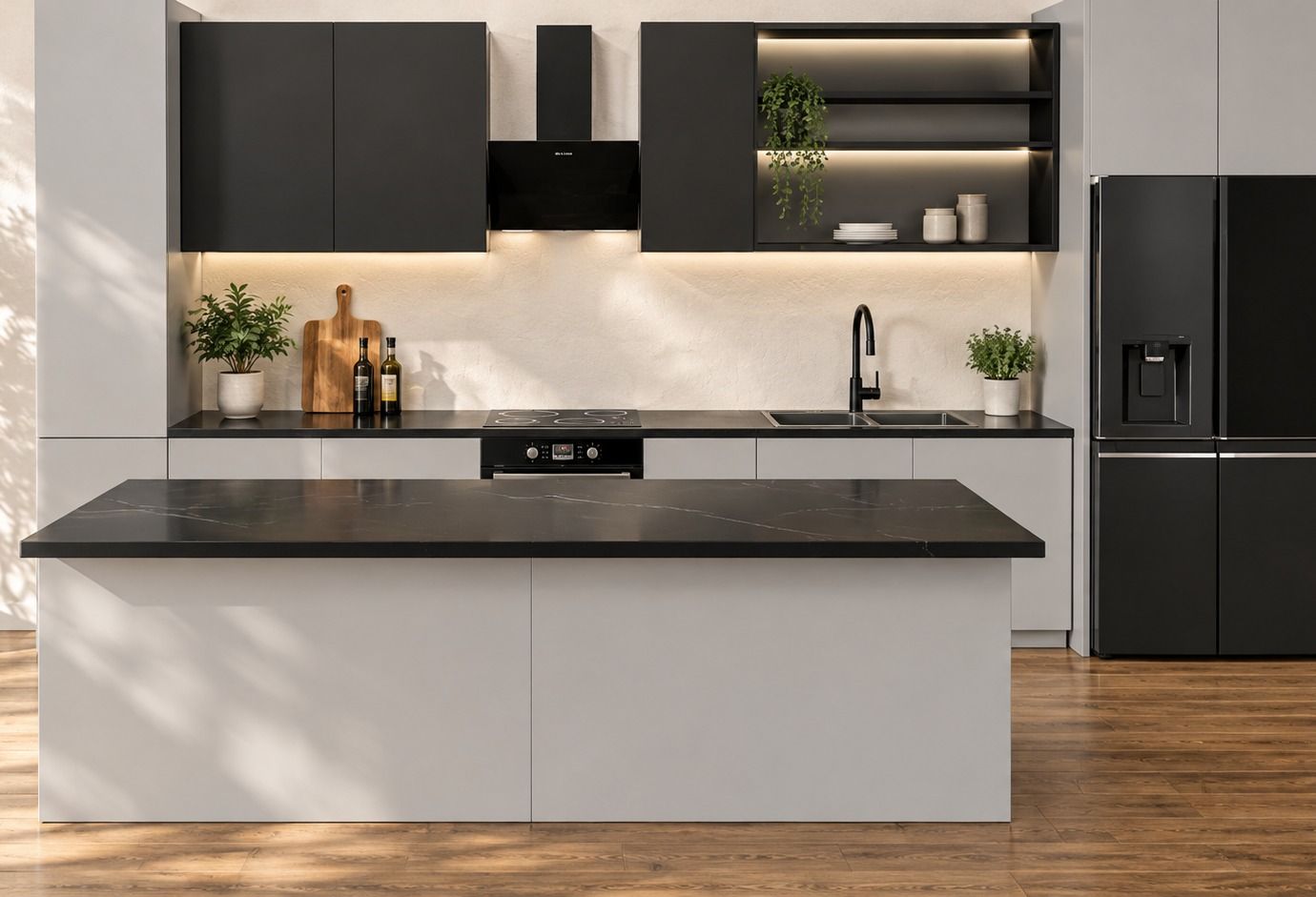
 Short videos of the same kitchen
A slow pass through the scene for product pages, ads and social. No film crew.
A kitchen cabinet configurator for Shopify, WooCommerce and custom sites
A kitchen cabinet configurator is a 3D kitchen planner on your own product page. Shoppers lay out a whole kitchen from your cabinets, see the price and order it through your store’s checkout, so kitchen orders arrive with the rest of your orders. Selling kitchen units and worktops in the UK? The planner works in mm and pounds.
See all integrationsSetting up your range
You send the range. We do the 3D. There is no modeling or option mapping on your side.
You send your range.
Cabinet sizes, door styles, finishes and prices. A spreadsheet with drawings, photos or CAD files is enough.
We build it.
We model every cabinet in 3D and set up your sizes, options and prices.
You approve it.
You test the planner on your own store before shoppers see it.
What is a kitchen cabinet configurator?
A 3D kitchen planner on a cabinet store’s website. Shoppers lay out their kitchen from the store’s own cabinets, choose door styles, finishes and sizes, watch the price update and order the whole kitchen online. It is also called a kitchen design tool or a 3D kitchen planner.
Does a whole kitchen reach the cart in one go?
Yes. The finished kitchen goes into the cart as one item at its full price, with a picture of the layout and the saved design attached, so you know what to pack.
Who builds the 3D models of my cabinets?
We do. Send your cabinet sizes, door styles and finishes, with drawings, photos or CAD files. If you already have GLB or GLTF files, we can use them.
Can shoppers build a kitchen I can’t make?
No. Each cabinet offers only the sizes and options you set, so every kitchen is made from products you sell.
Can I price appliances?
Yes, or show them for fit only and keep the total to cabinets. You choose per appliance.
How is it priced?
A monthly plan with no fee per order. Setting up your cabinet range is quoted once we’ve seen it. See Pricing.
Which platforms does it work with?
Shopify, WooCommerce and custom sites. On Shopify and WooCommerce the kitchen goes through your normal cart and checkout.
Can sizes show in inches and centimeters?
Yes. You choose the labels, for example 60 cm (24 in).
Which currency do shoppers see?
Your store’s. You set a price for each currency you sell in, such as dollars or pounds. The planner doesn’t convert prices on its own.
We sell kitchen units in the UK. Does it work for us?
Yes. The planner works the same for kitchen units and worktops, in mm and pounds.
Send us your cabinet range
Tell us your cabinet sizes, door styles, finishes and prices. We set up the planner on your store, and you approve it before it goes live.